I am continuing on my online mode from last week but as I had been working on little bits and made a test piece I managed to complete it all except a few little bugs.
At the start of the day, I made a sticky note which had the list of all the things I wanted to complete my online mode and what order I wanted them to be completed in, this helped my on keep on track and knowing what to do next.
It first started off with getting both clients being able to move their own character they spawned, this was just a quick and simple fix with an if statement at the start of my player movement code, I changed to !photonview.isMine .
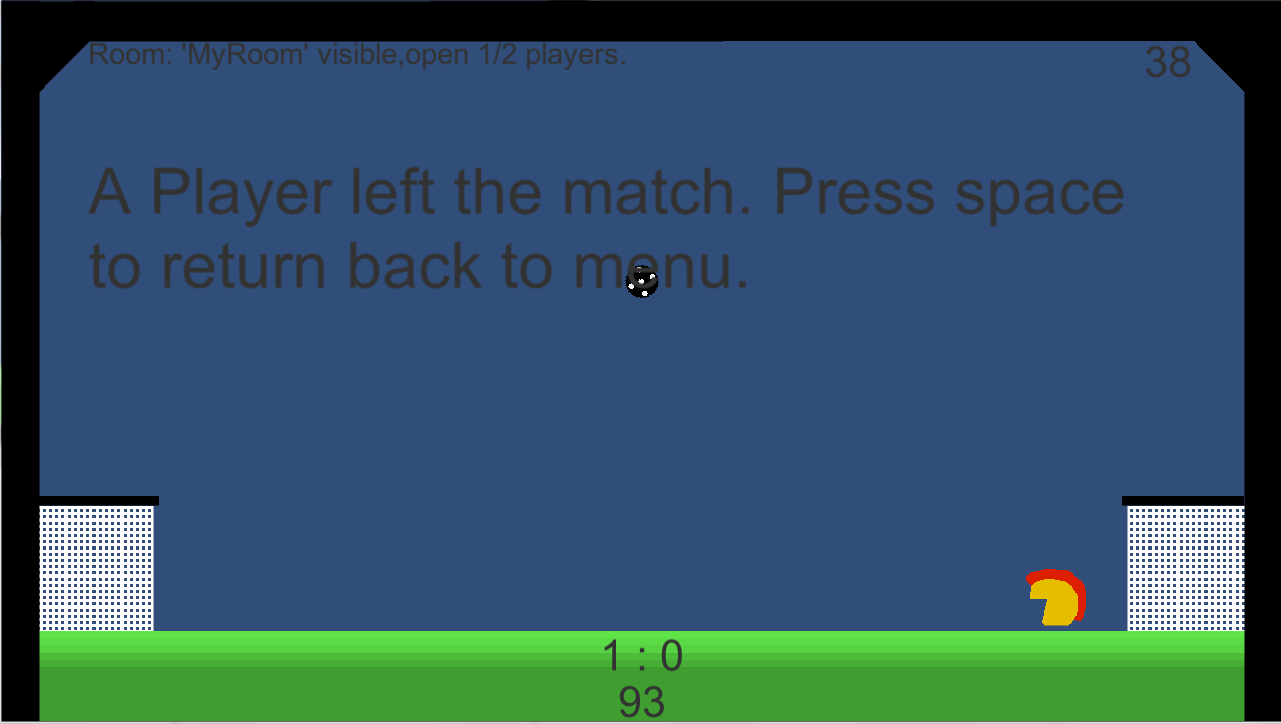
Next was if one of the players leaves the game half way though it tells the other player that they have left and stops the game and takes them to the online find scene, I completed this by having a check in the update void if there were two players in the room, if there wasn’t it would just say “The other player has left. Press space to continue.”
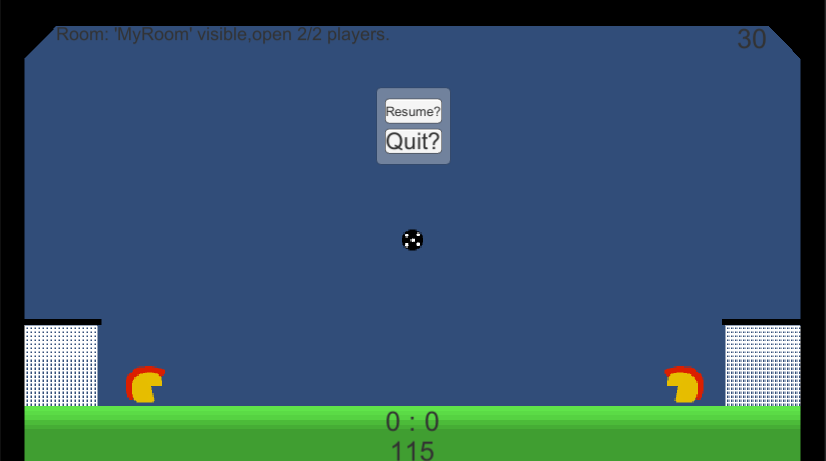
Then I had to make a way of the player to disconnect mid-match without having them have to close their game down and relaunch it if they wanted to switch to another game mode, so I copied the pause menu buttons over and rewrote the code so that when it pressed it wouldn’t pause the game but they will be able to quit.
Afterward I worked on getting goal scoring working, this is where the sync issues came a big problem, as the ball was mainly controlled by the host system I wanted the host to decided if it was a goal or not with an RPC call to the other client, however, I could not get that RPC call to hold the player still while the ball resets so I had to go back to where both clients say it’s a goal when it touches their goal line. This meant if the ball desynced a little bit there would be two goals added to the nonhost game but on the host just the one.
Once that was completed I started on when the timer reached 0 that it would say who one and stop the game, after learning a few days ago for a pause menu I could just set the time scale to 0 and the UI and code will still work, I just used that method to stop it. Then for the text saying who won I wanted it to first say their nickname won by and show the score, but for some reason I could not find a way to tell which nickname is which player so I just ended up with saying that ” The left player one by ..” or “The right player one by…” and then when they pressed space it would leave the room and take them back to the online find scene.
Then I saw that I don’t use their nicknames and the join by room name so I just removed them buttons from the inspector and just have now host a room by its name and join a random room.
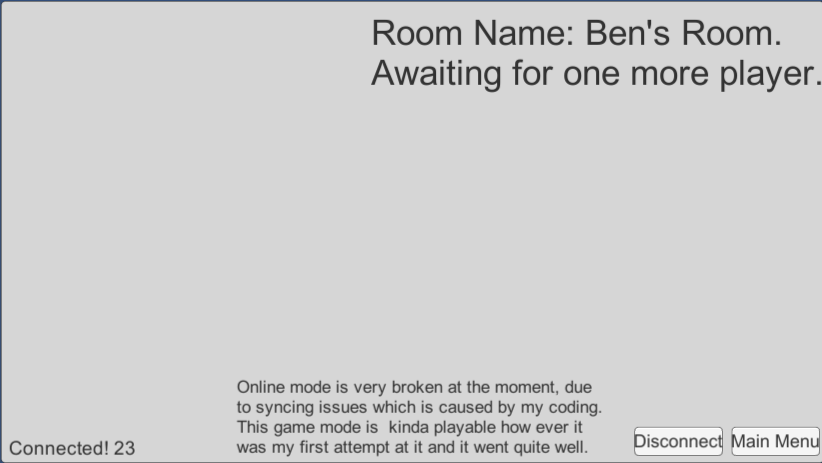
Then when testing to find any features I could fix, I realized that if one of the players left while waiting for the host to start the game it will all mess up so, now I have it if the hosts leaves before starting it will set the other player to the host and change the text saying waiting for one more player to start the game, and if the nonhost leaves the game before the host can start it, it hides the start button and says waiting for one more player.
Today was a very busy day but I am happy that I have got a lot completed, somethings I have just found that I need to do tomorrow is when someone tries to create a room with the name as another room it does not say anything to the user, it just outputs an error to the console which the user can’t see, players can join a room just after someone has left mid-game meaning they will still move around but the host will be stuck there seeing “The other player has left the game”.

 Games Development Blog